
Get help, or send a support report
Open Settings → Help & support → Get help. “Email support” opens a message to Capnolog support. “Send support report” attaches a record of what the app did: times, errors, and counts. When the report could include words you dictated, Capnolog asks first and offers “Without my phrases.” The version number is on About Capnolog.
By Christopher Cutler, MD, CA-1, anesthesiology
A person reads every support email. A report sent with the email lets that person see what went wrong instead of guessing.
- 1
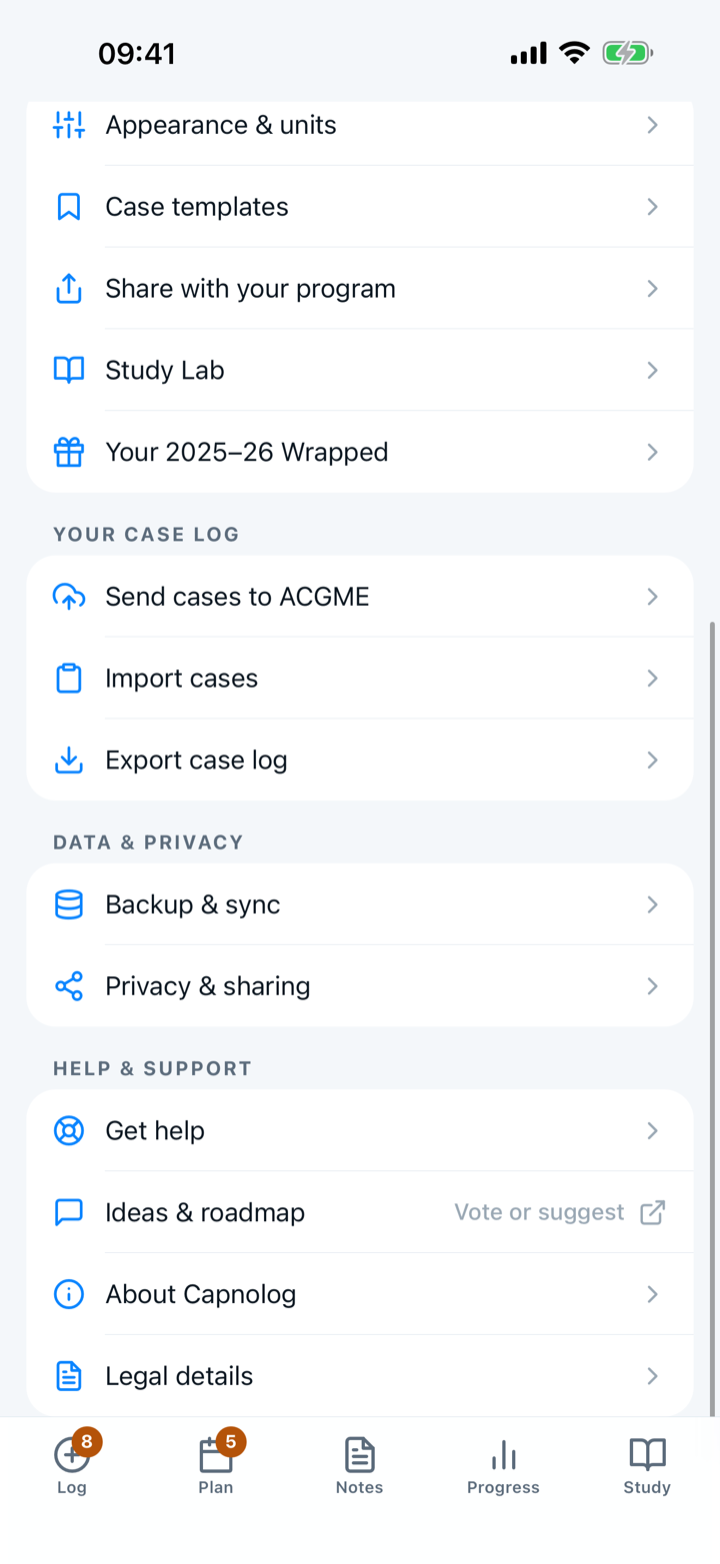
Open Settings → Help & support → Get help
Everything for reaching support is on this one screen.
- 2
Tap “Email support” to write to a person
The row shows the support address, and tapping the row opens a new message in your mail app. Say what you were doing and what you expected to happen.
- 3
Tap “Send support report” when something went wrong
The report is a record of what the app did: times, errors, and counts. Capnolog shows you what the report holds before anything is sent.
- 4
Decide whether your dictated words go along
A report can include the exact words you spoke or typed during dictation, and those words can contain patient details. Capnolog asks first. Tap “Without my phrases” to send the report with those words removed.
- 5
Use “Send sync report” when two devices disagree
A sync report answers a different question: what each of your devices holds. Support may ask for one when your phone and your computer show different cases.
- 6
Find your version number
Settings → Help & support → About Capnolog shows the version at the top. Put the version in your email. “Release notes” on the same screen lists what changed in each version.

More in account and safety
Compare codes with a co-resident face to face once, then mark the pair verified.
One free account links your phone, your computer, and the ACGME extension.
The backup is on from the first day, and a new phone offers to bring everything across.
The lock is on from the start. You choose how long the app waits before locking.